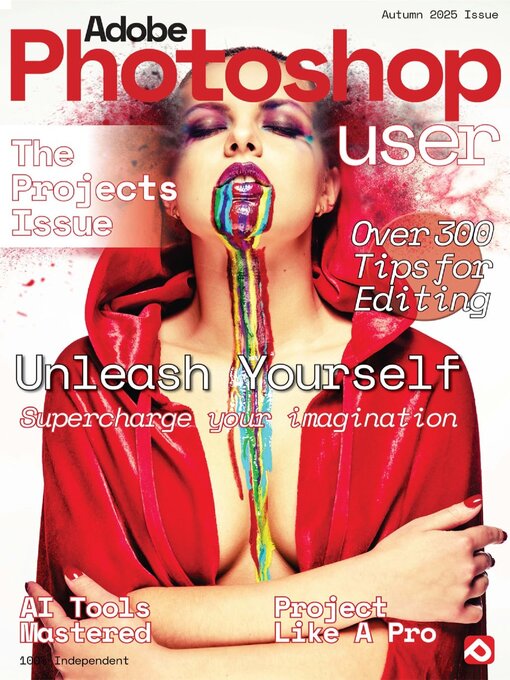
 Autumn 2025
 Issue 9 2024
 Issue 8 2023
 Issue 7 2023
 Issue 6 2023
 Issue 5 2023
Photoshop User takes superb quality, unbeatable production values and professional content from a team of industry experts to produce the ultimate photo-editing magazine. Each issue is packed with practical user tutorials and projects, building up to become the essential reference guide for all core areas of photo-editing and Photoshop use. Photoshop User is the perfect title for both photographers seeking to improve their images and digital artists looking to advance their skills. Subscribe today! 100% Independent! Please note: ALL free content and gifts are also available via this digital edition.
Save a Huge 50% Off ALL Digital Manuals!*
Using Photoshop AI Tools • Over the years, Adobe has continually refined and honed the tools available in Photoshop, but there has rarely been an introduction of a new feature as groundbreaking as it’s AI tools. So let’s take a look at how these aritifical intelligence inclusions are going to change how you use Photoshop.
Generative AI • The latest feature to be added to Photoshop is complete AI-powered image generation.
Using Generate Image in Photoshop • The addition of Firefly Generative AI to Photoshop opens up an exciting new world of creativity
Generative Fill Content Removal • Use new AI-powered Generative Fill to remove unwanted objects from your photos
Use Generative Expand to go big • Change aspect ratios and add new content with the new AI-powered Generative Expand feature
Adobe Camera Raw Editing • When you install Photoshop, you also get a very useful application called Camera Raw. It allows you to edit Raw files captured by digital cameras. A Raw file offers a higher quality than standard jpeg files. Think of Camera Raw as the little brother of Lightroom, which offers you a digital darkroom where Raw files can be processed.
Processing Raw Files • For the best possible quality, shoot in Raw mode
Camera Raw • The new look for Photoshop’s Raw processor
The Toolbar • Get to know all the tools you have at your disposal in the current version of Camera Raw
The Edit Menu • Camera Raw has a powerful set of features all nested within a series of easily accessible control tabs
Raw Workflow • Make your images look their absolute best
Enhancing Your Photos • A few simple adjustments can make all the difference
Photoshop Projects • Now we are really flying! The next step in your evolution as a digital artist and master manipulator is to take on some new projects and really let your digital creativity loose. The next section is devoted to some fun and varied project guides that will show you more of what Photoshop and you are capable of.
Cartoonize Your Photos • Turn a photo into a panel from a cartoon or graphic novel
Stone Skin Effect • A fun technique for human statues
Text Portraits • Here’s how to transform a face into a dramatic text portrait
Fire Effects • Flame effects to add a spark to your digital skills
Pencil Sketch Effect • Start scribbling and unleash your inner artist
Composite Photos • How to seamlessly combine multiple images
Don’t miss out on more great Papercut Ltd magazines • on digital & printplatforms now!
Photoshop User
Save a Huge 50% Off ALL Digital Manuals!*